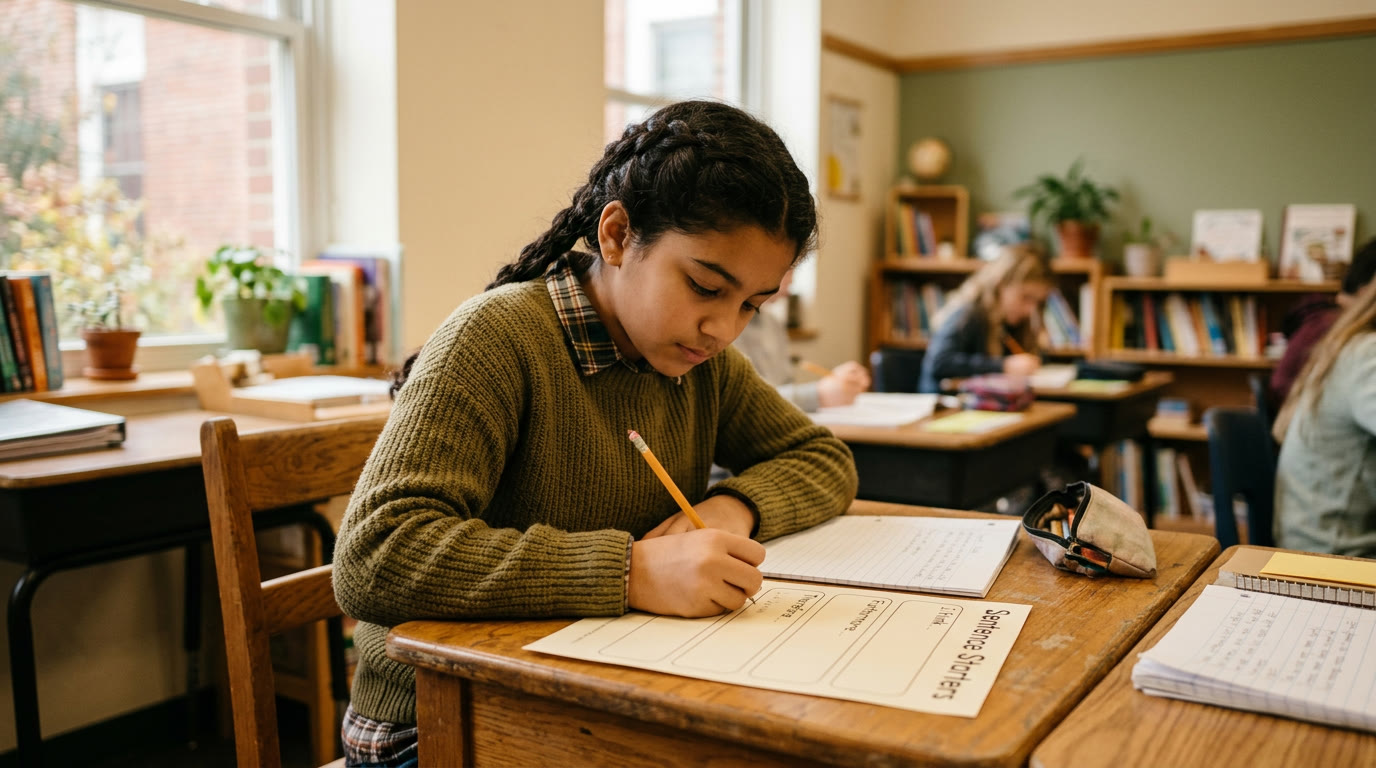
A district closure notification lands at 5:40am, and by 6:15 half your students already know before you've had coffee. What you don't have is a lesson plan — the one you'd built for that day assumed a room, a projector, and forty-five uninterrupted minutes, none of which exist anymore. A sub plan covers "someone else is teaching my room." An emergency remote-day plan covers a completely different problem: no room, no shared time, and a chunk of your students without reliable internet at 8am on a snow day.
Why a snow-day lesson plan needs to be different from a sub plan
A sub plan assumes an adult is physically present executing your plan in real time. An emergency remote day assumes nobody is — students are accessing something asynchronously, on whatever device and connection they have at home, with zero live troubleshooting available. A worksheet packet you'd hand a sub doesn't work if half the class can't print it. The plan has to survive with no adult intervention at all.
What actually has to be true for a remote-day plan to work
1. It has to work with zero setup on your end that morning. If the plan requires you to log in and post something at 6am, it's not actually a ready plan — it's a task disguised as one. Build and save it in advance, dated but generic enough to deploy for any closure day.
2. It has to be low-bandwidth and device-flexible. Assume some students have a phone and no laptop, and some have neither. A single-page task with clear written instructions beats a video-dependent lesson that a spotty connection can't load.
3. It has to be self-checking or low-stakes, not something you'll grade like a normal assignment. You can't verify who had help or who struggled alone. Treat it as completion credit or a light formative check, not a scored assessment, and say so explicitly so students aren't stressed about accuracy they can't verify offline.
A quick before/after
Before: a closure hits, the teacher scrambles to post something by 9am, half the class never sees it because it went up after most families had already checked out for the day, and the "makeup" conversation drags into the following week.
After: a generic remote-day task was built in August, sits pinned at the top of the LMS labeled "Closure Day Plan," and a single templated announcement (also pre-written) goes out the moment the district closure alert fires. Students know exactly where to look because it's the same place every time.
Drafting the plan and the family announcement with AI
The content still needs to connect to whatever unit you're actually in, but the reusable skeleton — instructions, a low-bandwidth task, and the parent-facing announcement — is fast to draft in advance with a model:
- "Write a one-page, low-bandwidth independent task for [grade/subject] that any student could complete with just a phone and no internet after the first load, tied loosely to [general skill, not a specific day's lesson]. Include clear written instructions and a 3-question self-check."
- "Write a short, calm announcement for families explaining that today is a closure day, where to find the independent task, that it's completion-credit only, and that there's no live class expected."
Build the actual task using the [lesson plan generator tool](/lesson-plan-generator) with "no live instruction, asynchronous, low-bandwidth" as a constraint, and save the family-facing announcement template inside the [parent communication tool](/parent-communication) so it's one click to send, not something you're writing fresh at 6am.
What still needs your judgment
- Refresh the generic plan each unit, don't let it go stale for a year. A remote-day task tied to September's unit makes no sense if the closure hits in March — update it a few times a semester so it's roughly current, not perfectly current.
- Decide your equity floor before the day arrives. If you know a portion of your class has no reliable device access, the "give partial credit to whoever engages" approach only works if you've already planned a no-penalty makeup path for the rest.
- Don't try to replicate a full day. One focused task beats a full six-period remote schedule nobody can realistically deliver or complete under closure conditions — resist the urge to over-plan for a day that's already disrupted.