A field guide for classrooms
54 AI tools
for teachers.
Built for the parts that eat your evenings.
Lesson plans, rubrics, parent emails, sub plans, differentiation, IEP drafts. Finished deliverables you can edit and teach from, not a blank prompt box.

Plans, rubrics, emails and accommodations, written for the room you actually teach.
Plain text and print ready output. Names shown for compatibility only, no affiliation or endorsement implied.
Credibility, shown not claimed.
No borrowed district logos, no invented research claims. Here is exactly how these deliverables get built and what we will and will not promise.
Written to how planning actually works
Every tool follows the shape a real deliverable takes: objectives, materials, procedure, checks for understanding. Not a generic paragraph with a heading pasted on top.
Checked by classroom teachers
The criteria list, the signals of expertise, the common mistakes on each tool page come from K-12 and higher ed teachers who do the job every week.
No student data, ever
You never need a name, an ID, or a score. Fill in grade, subject and context. Nothing is stored, nothing is sold, no account required to see a result.
We say what we are not
This is a drafting tool, not a curriculum authority. Read every line before it reaches a student or a family, and check district policy for anything formal like an IEP.
Every job on the desk, done in a minute.



Start with tomorrow.
 01 / Planning
Lesson Plan Generator
Standards-aligned, ready for tomorrow morning. Enter grade, subject, the standard, and a couple of honest notes about your class.
→ 02 / Assessment
Rubric Designer
Get a grading rubric. Enter the assignment, criteria, and performance levels.
→ 03 / Communication
Parent Communication Kit
Get parent email templates. Enter situation, student context, and desired outcome.
→ 04 / Differentiation
Differentiation Plan
Get a differentiation plan. Enter lesson, learner range, and objectives.
→ 05 / Differentiation
IEP Goal Writer
Get measurable IEP goals set. Enter student needs, present levels, and area.
→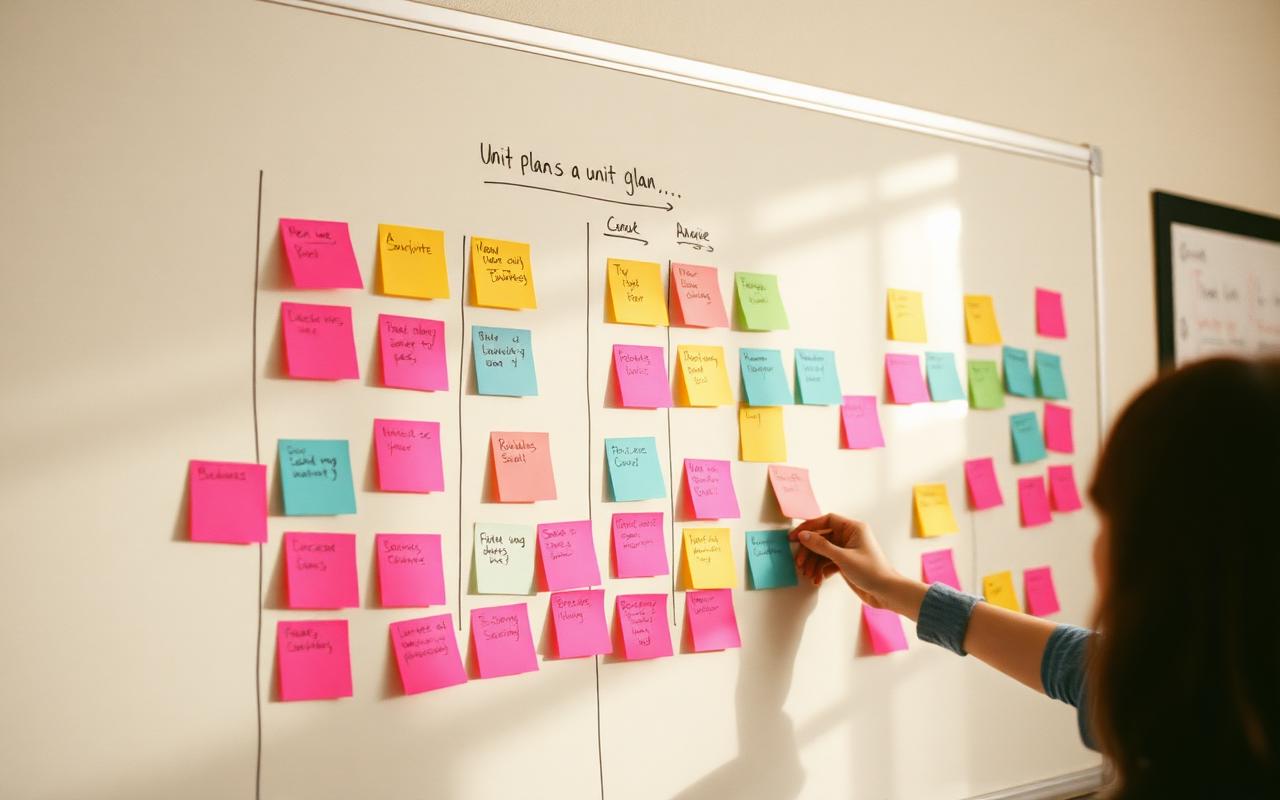 06 / Planning
Unit Plan Builder
Get a unit plan. Enter subject, grade, standards, and duration.
→

"I got my Sunday back. Not the fake kind where you are off but still lesson planning at 9 pm, the actual kind."
“The rubric came out aligned to my standard and in my language. I edited two rows and used it that afternoon.”
“Sub plans used to be the reason I dragged myself in sick. Now it is a ten minute job at 6am.”
What teachers actually said.
“The rubric came out aligned to my standard and in my language. I edited two rows and used it that afternoon.”
“Sub plans used to be the reason I dragged myself in sick. Now it is a ten minute job at 6am.”
“The parent email tool got the tone right. Firm, kind, no defensiveness. That is the hard part.”
“I run a co-taught section. The tiered task drafts saved me hours of rewriting the same worksheet three ways.”
“Used the IEP goal drafts as a starting point before the annual. Our case manager barely changed them.”
“I planned a full PBL unit on a Saturday morning instead of a Saturday.”
Reviews are shared with permission from teachers using these tools. Surnames are shortened at their request, and we do not run paid endorsements.
Free to use
See a real result before you give us anything. No card, no signup, no trial countdown.
No lock-in
Everything is plain text you can copy, edit and keep, even if you never come back.
You stay the expert
Nothing here decides anything about a student. You read every line and make the call.
Every corner of your week.
 01
01Planning
Unit maps, lesson plans, pacing, scope & sequence.
 02
02Assessment
Rubrics, quizzes, exit tickets, feedback drafts.
 03
03Communication
Parent emails, newsletters, tough conversations.
 04
04Differentiation
ELL supports, IEP accommodations, tiered tasks.
 05
05Admin
Sub plans, letters of rec, meeting notes, forms.
 06
06Professional growth
PD reflections, National Board prep, coaching notes.
All 54 tools.
Differentiation
- →504 Plan AccommodationsGet 504 plan accommodations. Enter student needs and context.
- →Differentiation PlanGet a differentiation plan. Enter lesson, learner range, and objectives.
- →ESL / ELL Lesson & ScaffoldsGet an ESL / ELL lesson with scaffolds. Enter content topic and language level.
- →Gifted / Enrichment PlanGet a gifted / enrichment plan. Enter core lesson and student strengths.
- →IEP Goal WriterGet measurable IEP goals set. Enter student needs, present levels, and area.
- →Special Education IEP Goals (Detailed)Get detailed special education IEP goals. Enter student needs and present levels.
Growth
- →Academic Paper OutlineGet an academic paper outline. Enter topic, requirements, and citation style.
- →Online Course Sales PageGet course sales page copy. Enter course, transformation promise, and audience.
- →Professional Development PlanGet a PD plan. Enter goals, role, and available time.
- →Tutoring Business KitGet a tutoring business document kit. Enter subjects, rates, and target audience.
- →Workshop Slides OutlineGet workshop slides outline. Enter topic, audience, duration.
Planning
- →Adult / Continuing Education CourseGet an adult / continuing education course. Enter topic, audience, format.
- →Charlotte Mason Lesson & Narration PlanGet a Charlotte Mason lesson & narration plan. Enter subject, age, books.
- →Homeschool Co-op Class PlanGet a homeschool co-op class plan. Enter subject, ages, and session length.
- →Course Curriculum BuilderGet a course curriculum document. Enter topic, audience level, and duration.
- →Faith-Based Curriculum UnitGet a faith-based curriculum unit. Enter topic, grade, and tradition.
- →Homeschool Curriculum PlanGet a homeschool year plan. Enter child age, state requirements, and learning style.
- →Lesson Plan GeneratorStandards-aligned, ready for tomorrow morning. Enter grade, subject, the standard, and a couple of honest notes about your class.
- →LMS Course OutlineGet an LMS course structure. Enter content, platform, and learner profile.
- →Microschool / Learning Pod SetupGet a microschool / learning pod setup plan. Enter ages, size, and goals.
- →Montessori Scope & Sequence (Album)Get a Montessori scope & sequence (album). Enter area and age plane.
- →Montessori Lesson (Presentation) PlanGet a Montessori lesson plan. Enter material/area, age, and child level.
- →Montessori Observation RecordGet a Montessori observation record. Enter child, area, and period.
- →Montessori Work Cycle PlanGet a Montessori work cycle plan. Enter age group, environment, and goals.
- →Project-Based Learning (PBL) UnitGet a PBL unit. Enter subject, grade, and standard.
- →Early Childhood / Preschool Daily PlanGet a preschool daily plan. Enter age group and focus.
- →Reggio Emilia Project / Provocation PlanGet a Reggio project / provocation plan. Enter children's interests.
- →STEM / STEAM Activity PlanGet a STEM / STEAM activity plan. Enter topic, grade, and constraints.
- →Syllabus GeneratorGet a complete course syllabus. Enter the course, schedule info, policies, and materials.
- →Tutoring Session PlanGet a tutoring session plan. Enter subject, student goal, and available time.
- →Unit Plan BuilderGet a unit plan. Enter subject, grade, standards, and duration.
- →Unschooling / Interest-Led PlanGet an unschooling / interest-led plan. Enter child interests and requirements.
- →Trade / Vocational Course ModuleGet a trade / vocational course module. Enter trade, skill, and level.
- →Waldorf Main Lesson Block PlanGet a Waldorf main lesson block plan. Enter grade, subject, season.
- →Worksheet GeneratorGet a worksheet. Enter subject, grade, and topic.
- →Workshop DesignerGet a workshop facilitation guide. Enter topic, audience, and duration.
Assessment
- →Assessment BlueprintGet an assessment blueprint. Enter standards, weights, and formats.
- →Discussion Questions GeneratorGet discussion questions. Enter text/topic, grade, and discussion goal.
- →Rubric DesignerGet a grading rubric. Enter the assignment, criteria, and performance levels.
- →Learning Objectives WriterGet learning objectives. Enter topic, level, and outcomes.
- →Quiz & Assessment BuilderGet a quiz with answer key. Enter source content or standard, question count, and difficulty.
- →Student Feedback WriterGet a set of report card comments. Enter student performance notes, grade level, and tone.
- →Study Guide CreatorGet a study guide document. Enter source material, exam format, and weak areas to target.
Admin
- →Course Completion Certificate KitGet a course completion certificate kit. Enter the course, issuer, and completion criteria.
- →Classroom Management PlanGet a classroom management plan. Enter grade, challenges, and values.
- →Training Manual WriterGet a training manual document. Enter process details and audience.
Communication
- →Parent-Teacher Conference NotesGet conference notes template. Enter student data and main concerns.
- →Course Launch EmailsGet course launch email sequence. Enter the offer and audience.
- →Educational NewsletterA clear class or school newsletter. Enter the updates, who it's for, and the tone.
- →Educational Video ScriptGet a video script. Enter topic, audience, and length.
- →Parent Communication KitGet parent email templates. Enter situation, student context, and desired outcome.
- →Scholarship Essay CoachGet a scholarship essay draft. Enter the prompt, student background, and key achievements.
- →Student Onboarding (Online Course)Get student onboarding plan. Enter course, platform, and learners.
- →Teacher Cover LetterA cover letter tailored to one school. Enter your experience, teaching philosophy, and the position you're after.
Short reads for the staff-room fridge.

Writing a Volunteer Thank-You Note Series That Turns One-Time Helpers Into Repeat Volunteers
A single generic thank-you email after a classroom event is why most volunteers never come back a second time. Here's a short note series that actually gets people to say yes again.
 Differentiation
Building a Sentence-Starter Ladder for Struggling Writers Across Three Skill Levels
One sheet of sentence starters either bores your strongest writers or leaves your most struggling ones stuck at the blank page. Here's how to build a three-tier ladder that actually meets each kid where they are.
 Assessment
Writing a Parent Grade-Dispute Email Response That Doesn't Reopen the Whole Debate
A grade-dispute email answered defensively — or too generously — turns into a week-long back-and-forth. Here's a response structure that closes the loop the first time.
 Planning
Building a Testing-Week Modified Bell Schedule So Regular Instruction Doesn't Just Stop
Testing week shouldn't mean every non-tested class quietly turns into a study hall for four days straight. Here's how to build a modified schedule that keeps real instruction moving around the disruption.
What is aiteachers.pro?
A free field guide of AI tools built specifically for teachers. Every tool is a pre-built recipe, pick what you need to produce (a lesson plan, a rubric, a parent email, an IEP-friendly worksheet), fill in a few details about your class, and get something you'd actually use tomorrow.
How do I get started?
Browse the tools on the homepage or jump to a category (Planning, Assessment, Communication, Differentiation, Admin, Professional growth). Open the tool, fill in the short form with details about your class, and hit generate. You'll be handed off to your AI assistant with a fully-formed prompt ready to go.
Do I need an account?
No. You can preview and use every tool without signing up. There's nothing to install and no paywall on the tools themselves.
Which AI assistants does it work with?
Our prompts are model-agnostic, they work with ChatGPT, Claude, Gemini, Copilot, or whatever your district has approved. You bring your assistant, we bring the recipe.