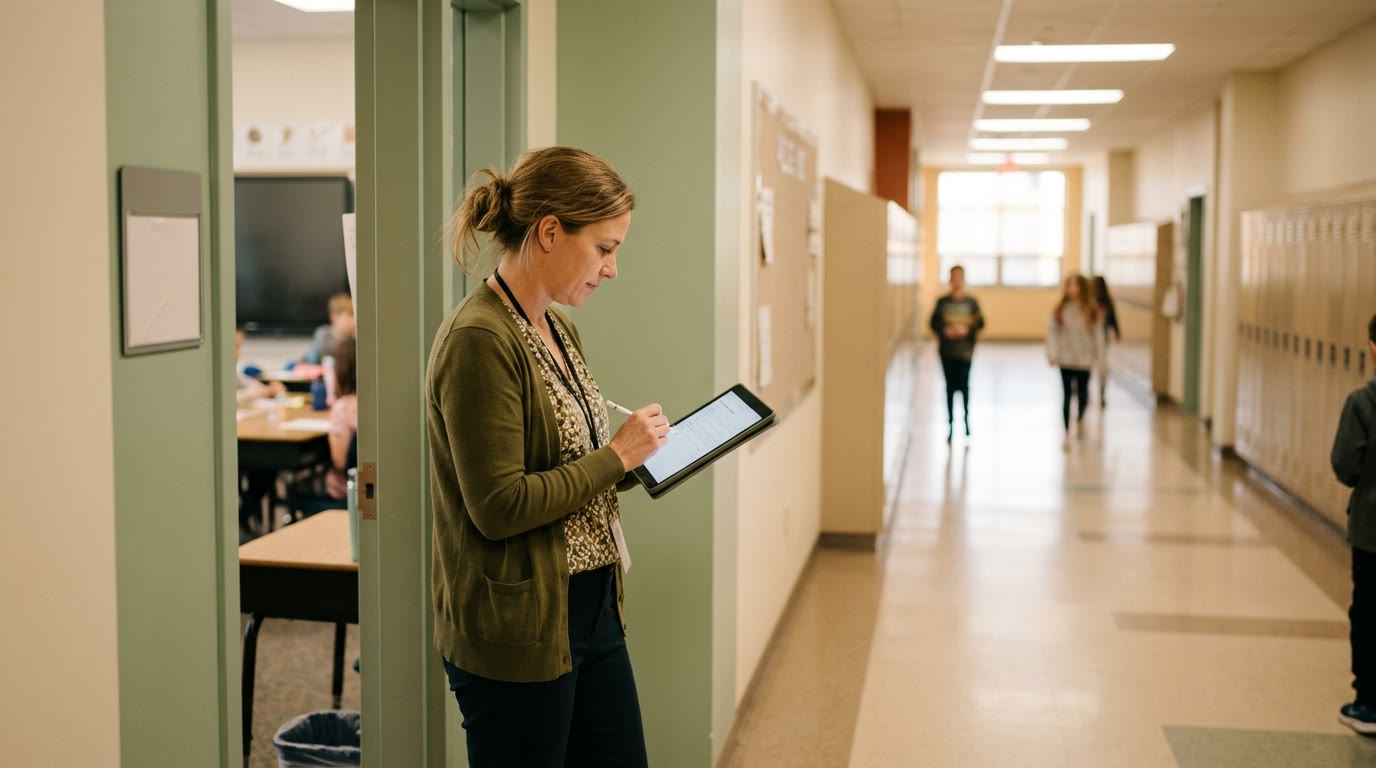
A paper hall pass answers one question in the moment — is a kid allowed to be in the hallway right now — and then answers nothing afterward. When an incident happens, or an admin asks who was out of class at 10:40, a clipboard sign-out sheet from three weeks ago is usually illegible, incomplete, or gone. A simple digital log fixes the part that actually matters: being able to answer "who, where, and when" after the fact, not just in the moment.
Keep the entry to four fields, not a form
A hall-pass log that takes 90 seconds to fill out will get skipped under time pressure, which defeats the point. Four fields is the ceiling:
- Name
- Destination (bathroom, nurse, office, locker — a short dropdown list, not free text)
- Time out
- Time in
Anything more — reason codes, teacher notes, signatures — turns a 10-second classroom action into a chore students and teachers both start skipping.
Pick the lightest tool that gives you a timestamped record
You don't need dedicated hall-pass software to get a real log. A shared spreadsheet with a form front-end, or even a simple shared doc with a template row, does the job as long as entries are timestamped and searchable later. The bar is: can you filter by student or by time range next week? If yes, the tool is sufficient.
Use AI to build the setup, not to run the pass system itself
The one-time setup — the destination dropdown list, a clean spreadsheet template with the right columns, a short set of student-facing directions for how to log themselves out — is worth generating once instead of building from scratch.
Try this:
- "Build a spreadsheet template for a classroom hall-pass log with columns: student name, destination (dropdown: restroom, nurse, office, locker, water, other), time out, time in. Include a formula that flags any entry still open after 10 minutes."
- "Write a short, clear instruction card for students on how to log themselves out and back in — one minute or less to read."
The daily running of it is still real-time and physical (a kid actually signing out); AI just removes the setup friction so you're not building this from a blank sheet.
Our [classroom management plan tool](/classroom-management) can fold this into your broader routine-teaching plan — how you introduce the sign-out system in week one alongside your other classroom procedures, so it's one more habit students learn the same way they learn everything else, not a separate rule bolted on later.
Review it, don't just collect it
A log nobody looks at is just paperwork in digital form. Skim it weekly for patterns — a student logging out five times a week for the same destination at the same time is worth a conversation, and that pattern is invisible on a paper sheet that gets thrown away every Friday.
What still needs your judgment
- What counts as a red flag. The system surfaces patterns; deciding whether a pattern is a bathroom-timing issue, an avoidance behavior, or something that needs a counselor involved is a human read.
- Privacy and access. Decide up front who can see the log beyond you — an assistant principal covering your class, a counselor following up on a specific student — and keep access no wider than it needs to be.
- When to loosen it. For a calm, trustworthy class, a lighter-touch version (a physical pass plus a quick end-of-day glance at who used it) may be all you actually need — match the system's weight to your room, not to a worst-case scenario.