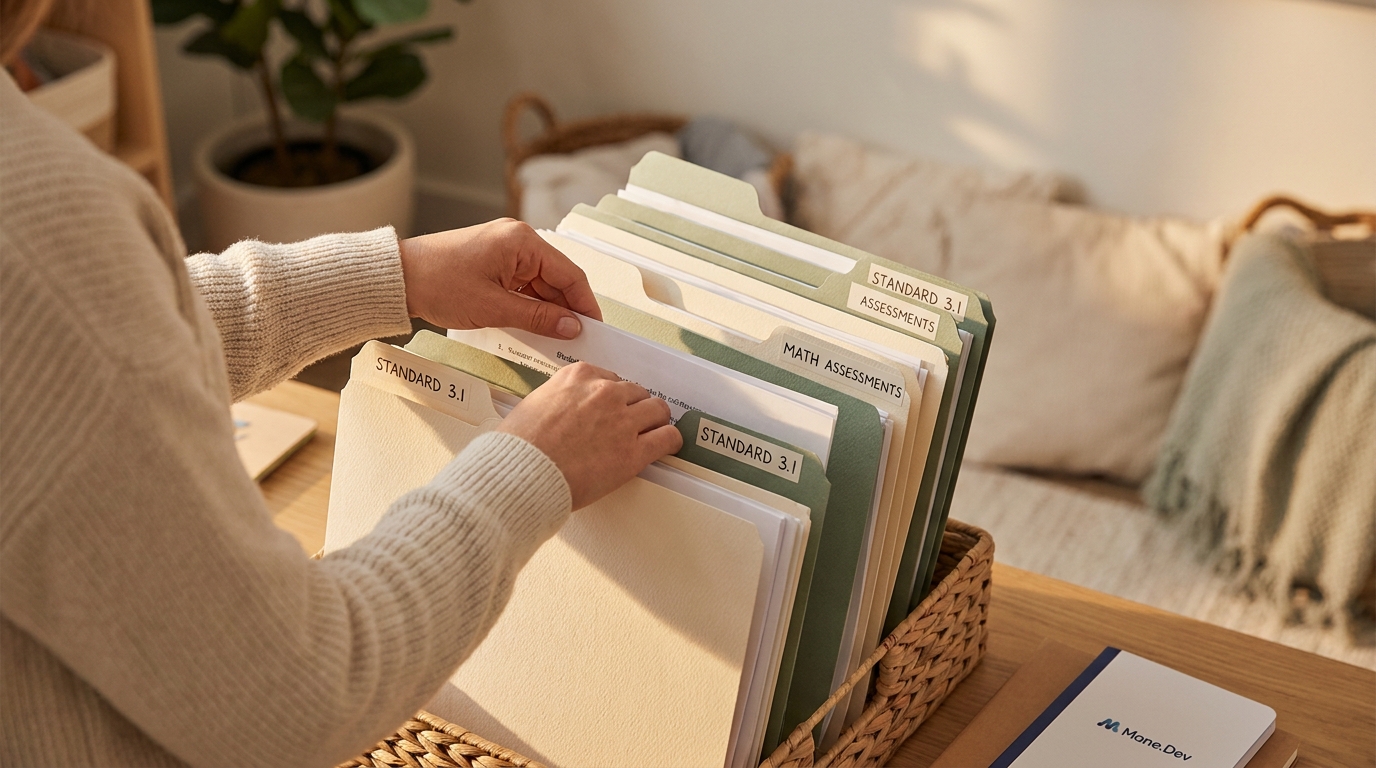
You have a folder called "Student Work." Inside: 40 PDFs. "Essayfinal.pdf", "Essayfinalv2.pdf", "Quiz3.pdf", "Quizmakeup.pdf". When you need evidence for a parent conference or an IEP meeting, it takes 20 minutes to find what you need.
There's a better way, and it takes about 2 hours to set up once.
The system: Standard-based organization
Instead of organizing by student or by date, organize by learning standard. This is the one that matters for instruction.
Folder structure:
- CCSS.MATH.4.NF.A.1 (Equivalent Fractions)
- March_Quiz.pdf
- May_Essay.pdf
- StudentAworksamples/
- StudentBworksamples/
Now when you're planning a reteach or assessing a student's progress on that standard, everything is together.
The tagging trick
For digital files, add metadata tags (most systems support this):
- Standard: CCSS.MATH.4.NF.A.1
- Date: March 2026
- Format: Quiz
- Difficulty: Novice / Proficient / Advanced
- Student: Anonymized (S-01, S-02)
This takes 10 seconds per file and saves hours of searching.
AI can help tag
If you have a large folder of unlabeled work:
1. Scan or upload 3-5 samples
2. Paste into an AI: "These are math assessments for CCSS.MATH.4.NF.A.1. Tag each one: [Standard], [Date you estimate], [Format: Quiz/Essay/Project], [Proficiency Level: Novice/Proficient/Advanced/Expert]. Show me the format."
3. You get a tagging template
4. Apply it to your whole folder
5. Spot-check 5-10 to make sure the AI's estimates are reasonable
The time investment
2 hours to set up. 30 seconds per piece of work to tag (most of the time that's at the moment of assessment). Then: you can find anything you need in under 30 seconds.
That's a real system.