Planning
An LMS structure students won't get lost in.
Get an LMS course structure. Enter content, platform, and learner profile.
01
How it works.
Provide content, platform, learner profile and get a complete LMS course outline in minutes — including modules, navigation, content types. Free AI workflow, no signup required to preview.
 Planning
Start now
Outline my LMS course

02
LMS outline: course home, modules list with contents, navigation notes, completion rules, instructor admin tips.
Format & standard
03
What good looks like.
01
CriteriaWhat it must include
- 01Course/module/lesson hierarchy mapped to the platform's actual structure (sections, units, SCORM/xAPI packages) — the outline can be imported or built without translation loss.
- 02Learning objectives per module that are measurable and visible to the learner — the student can see what they are supposed to get from each chunk.
- 03Content-type tags (video, SCORM, quiz, discussion, assignment) and estimated time per item — the learner can plan and the designer can see load.
- 04Completion and mastery rules, gradebook configuration, and prerequisite or drip sequencing — the platform will enforce the intended path and credit.
- 05Accessibility and mobile considerations called out — the course does not assume desktop or perfect vision.
- 06Consistent navigation, naming, and metadata conventions across the build — the learner does not have to re-learn the interface in every module.
02
QualitySignals of expertise
- ✦Shows SCORM/xAPI packaging awareness and completion/mastery rule configuration — the designer understands how the platform actually tracks and reports learning.
- ✦Plans prerequisite or drip sequencing and gradebook alignment — the course is not a flat folder of files; it has intentional flow and credit logic.
- ✦Builds in accessibility and consistent UX from the outline stage — the course is not 'make it pretty later'.
03
PitfallsCommon mistakes
- ×Flat content dump with no module hierarchy or platform-native structure — the course is hard to navigate and the platform's features are wasted.
- ×Ignoring completion/tracking config and gradebook setup — the designer ships content and then discovers no one gets credit or the reports are empty.
- ×No accessibility consideration until the end — videos have no captions, quizzes are not keyboard accessible, and remediation is expensive.
- ×Inconsistent naming and navigation — learners get lost and support tickets spike.
 Mapped out
 Print ready
 Team friendly
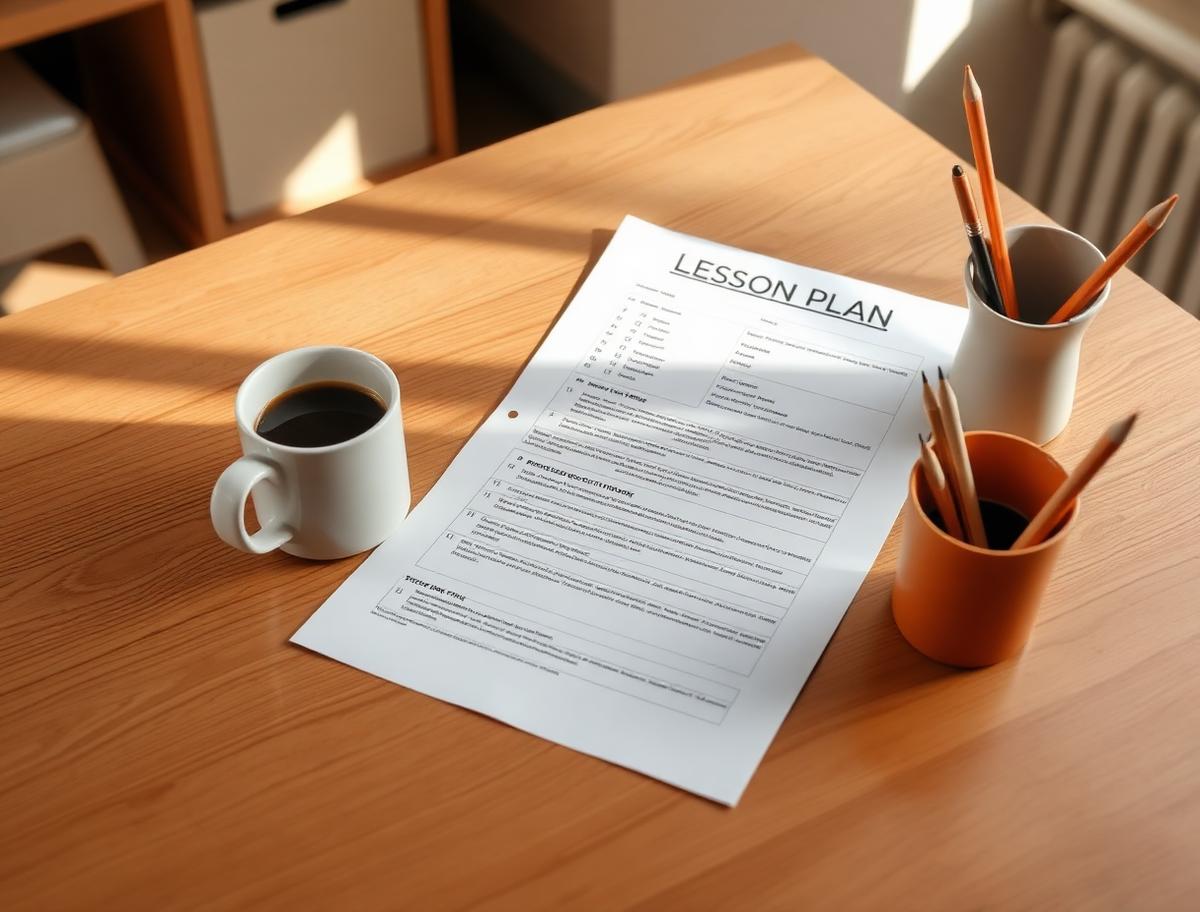
A good plan is what makes the room feel calm at 8:05 in the morning.
04
More in Planning.
- PlanningAdult / Continuing Education Course
Get an adult / continuing education course. Enter topic, audience, format.
- PlanningCharlotte Mason Lesson & Narration Plan
Get a Charlotte Mason lesson & narration plan. Enter subject, age, books.
- PlanningHomeschool Co-op Class Plan
Get a homeschool co-op class plan. Enter subject, ages, and session length.

Planning
Ready to outline my lms course?
Get an LMS course structure. Enter content, platform, and learner profile.